Automate With CLI / CI / agents
Quick start
Use a small shipped project first:
examples/memory_marker_counter
Run:
trust-runtime build --project examples/memory_marker_counter --sources src
trust-runtime validate --project examples/memory_marker_counter
trust-dev test --project examples/memory_marker_counter --output human
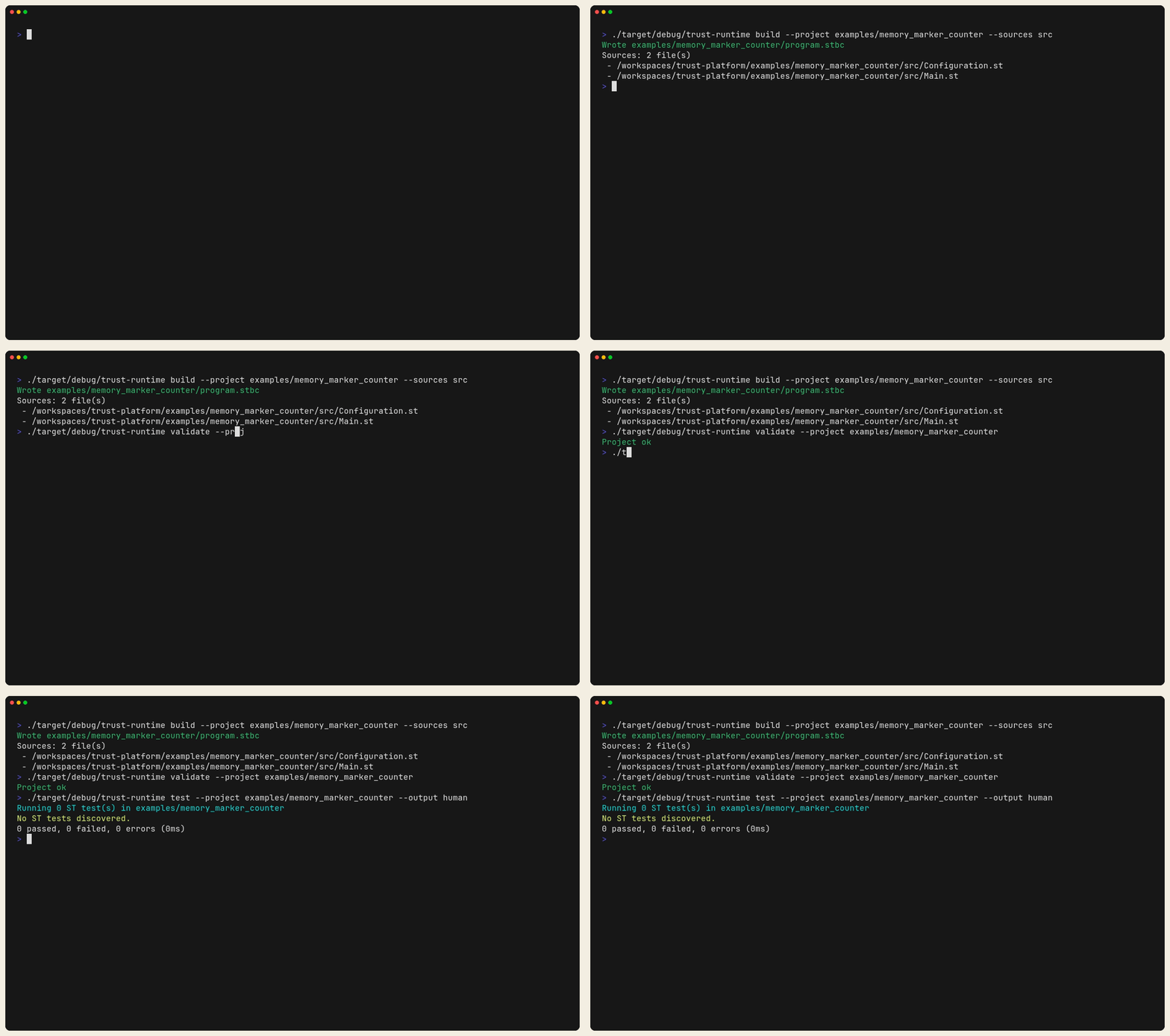
Figure: A shipped project built, validated, and tested from the terminal
before you move to CI or agent serve.
Describe the Agent API
trust-dev agent serve is the stdio JSON-RPC entry point for shell tools,
CI jobs, and automation.
Ask the runtime what the JSON-RPC API supports:
printf '%s\n' \
  '{"jsonrpc":"2.0","id":1,"method":"agent.describe","params":{}}' \
  | trust-dev agent serve --project ./examples/memory_marker_counter
Then inspect the project:
printf '%s\n' \
  '{"jsonrpc":"2.0","id":1,"method":"workspace.project_info","params":{}}' \
  | trust-dev agent serve --project ./examples/memory_marker_counter
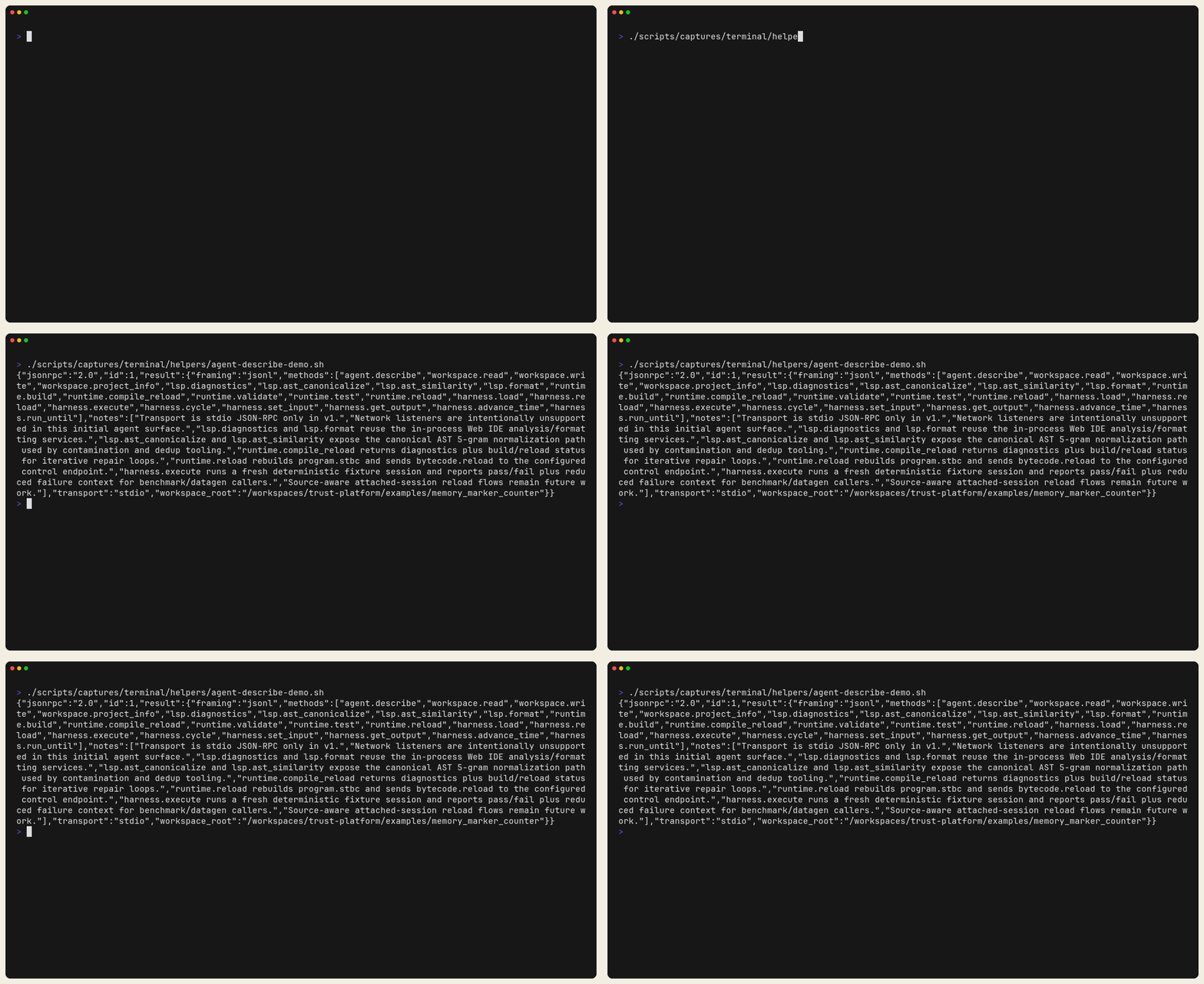
Figure: agent.describe returning the live JSON-RPC contract. Use this first
when you need an agent or CI tool to discover the runtime API.

Figure: workspace.project_info returning project metadata from the same
bundle. This is the quickest shape check before running diagnostics or reloads.
What Success Looks Like
- build produces bytecode without errors
- validate succeeds
- tests report pass/fail output
agent.describeandworkspace.project_inforeturn JSON-RPC responses
If It Fails
- build/validate/test issues: go to Build, Validate, Test
- method/contract questions: go to Agent Quickstart or Agent API v1
- deterministic execution needs: go to Harness Protocol