Build, Validate, Test
The Core Loop
trust-runtime build --project ./my-plc --sources src
trust-runtime validate --project ./my-plc
trust-dev test --project ./my-plc --output json
What each command proves
build
- parses and type-checks ST sources
- resolves project dependencies
- emits
program.stbc
validate
- validates
runtime.toml - validates
io.toml - validates the compiled bundle contract
test
- discovers ST tests in the project
- compiles an unfiltered project before reporting that it has no test POU
- runs them with configurable timeout and output format
- can list tests without executing them
Run Tests In VS Code
Structured Text tests also appear in VS Code's native Testing view — no custom panel to learn. Open the Testing view (the flask icon in the Activity Bar) to see your test files, run one test or all of them, and read the result.
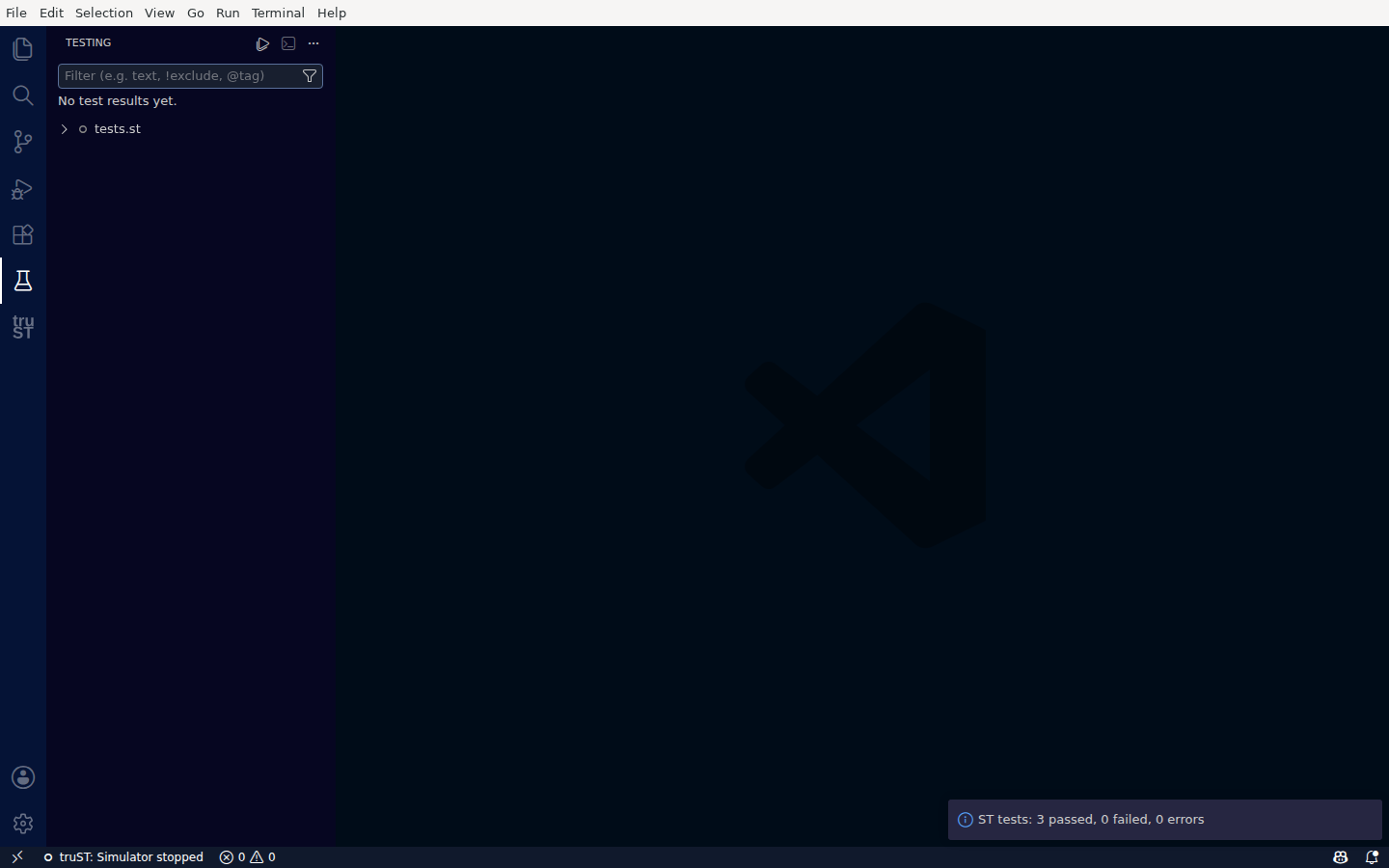
Run Structured Text unit tests from the standard Testing view — here, 3 passed, 0 failed, 0 errors.
Worked Example
trust-runtime build --project ./examples/tutorials/10_unit_testing_101 --sources src
trust-runtime validate --project ./examples/tutorials/10_unit_testing_101
trust-dev test --project ./examples/tutorials/10_unit_testing_101 --output json
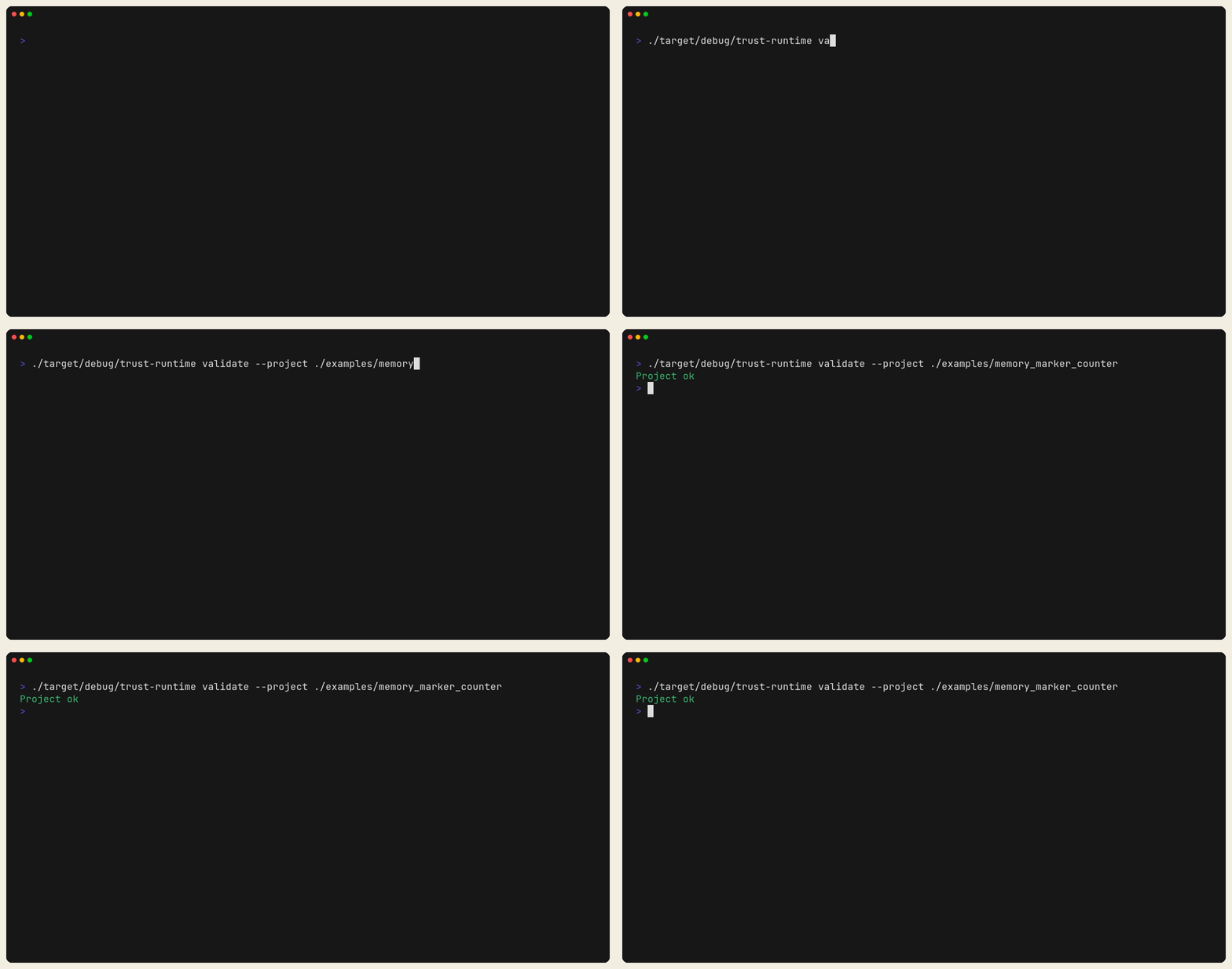
Figure: A clean validate pass against a shipped project. This is the
config/bundle safety gate before runtime troubleshooting.
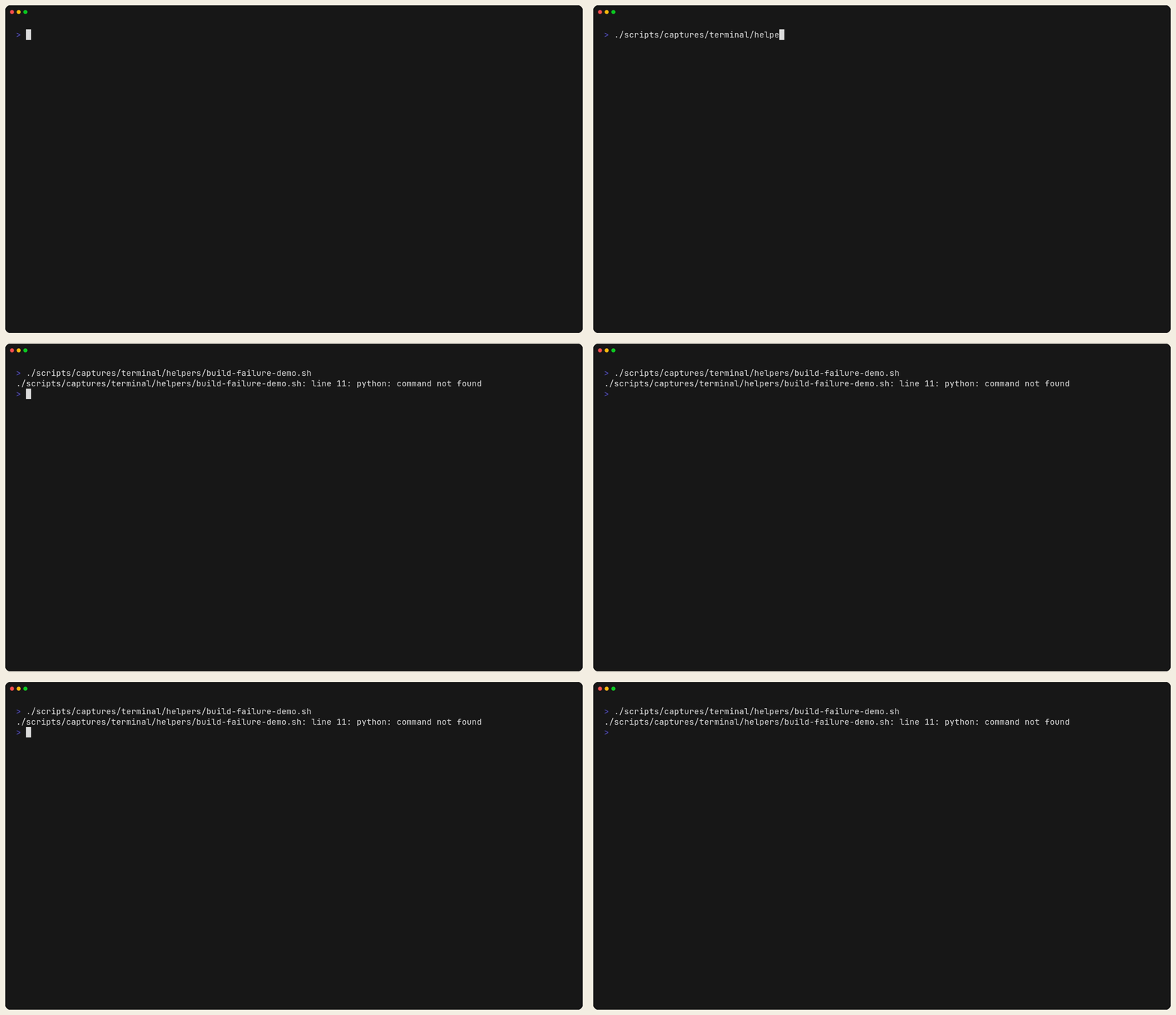
Figure: A deliberate one-line build break in a temporary project copy. This is the shape of a compile failure, not placeholder garbage syntax.
Test JSON Output And JUnit Output
Use JSON output when an agent or CI parser needs machine-readable results:
trust-dev test --project ./my-plc --output json
Use JUnit output when your CI system expects test-report artifacts:
trust-dev test --project ./my-plc --output junit
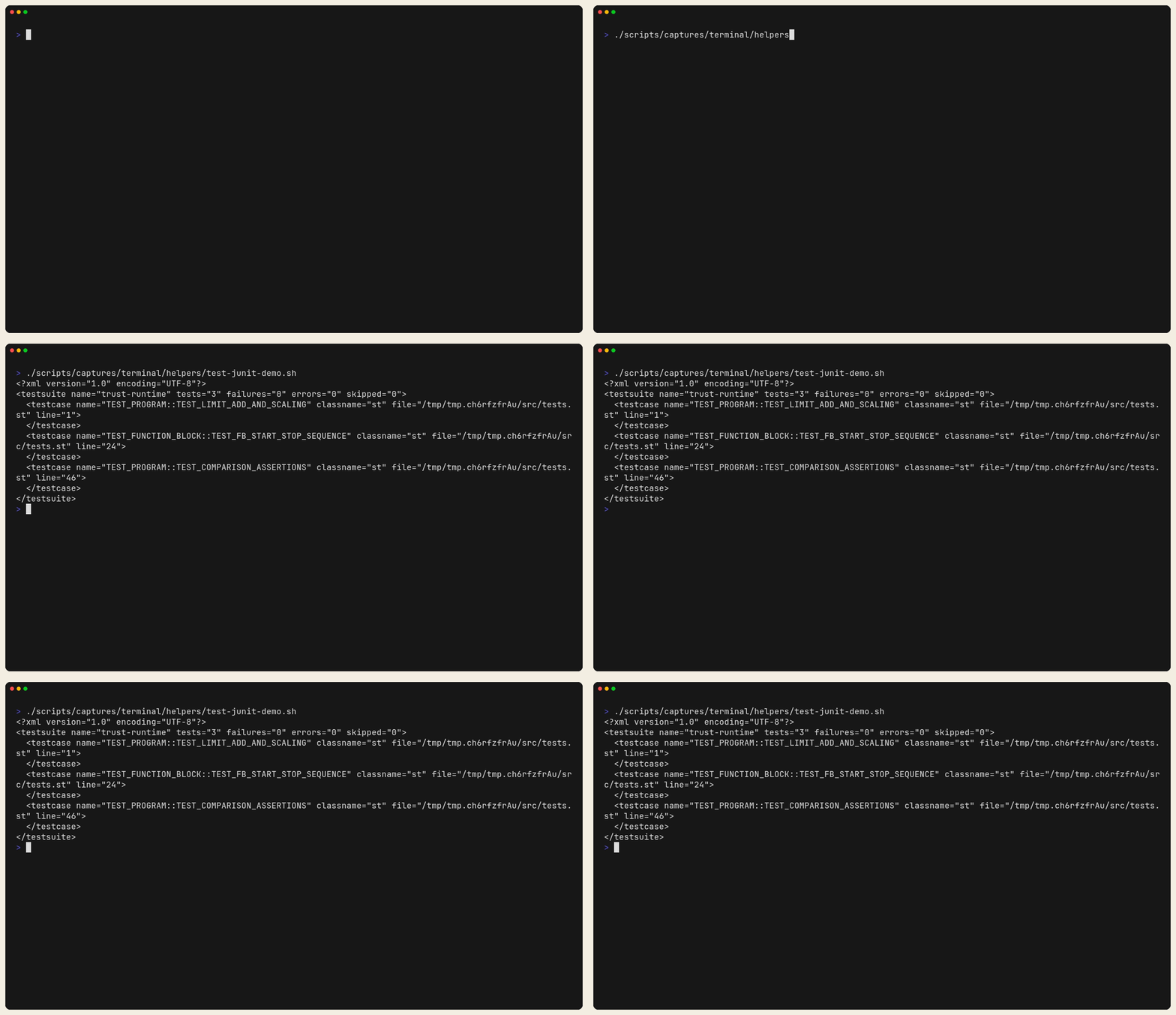
Figure: JUnit XML emitted from the unit-testing tutorial. This is the CI-safe artifact shape to feed into a test-report parser.
Useful test options:
--list--filter <substring>--timeout <seconds>--output human|junit|tap|json--ci
CI Loop
For CI or automation:
trust-runtime build --project ./my-plc --ci
trust-runtime validate --project ./my-plc --ci
trust-dev test --project ./my-plc --ci --output junit
Typical Failure Pattern
buildfails: fix source code first.buildpasses butvalidatefails: fix config shape or bundle/runtime mismatch.buildandvalidatepass buttestfails: logic behavior is wrong even though the project is structurally valid.