Field Fault Procedures
Field fault work starts by comparing physical state with runtime evidence before any recovery action.
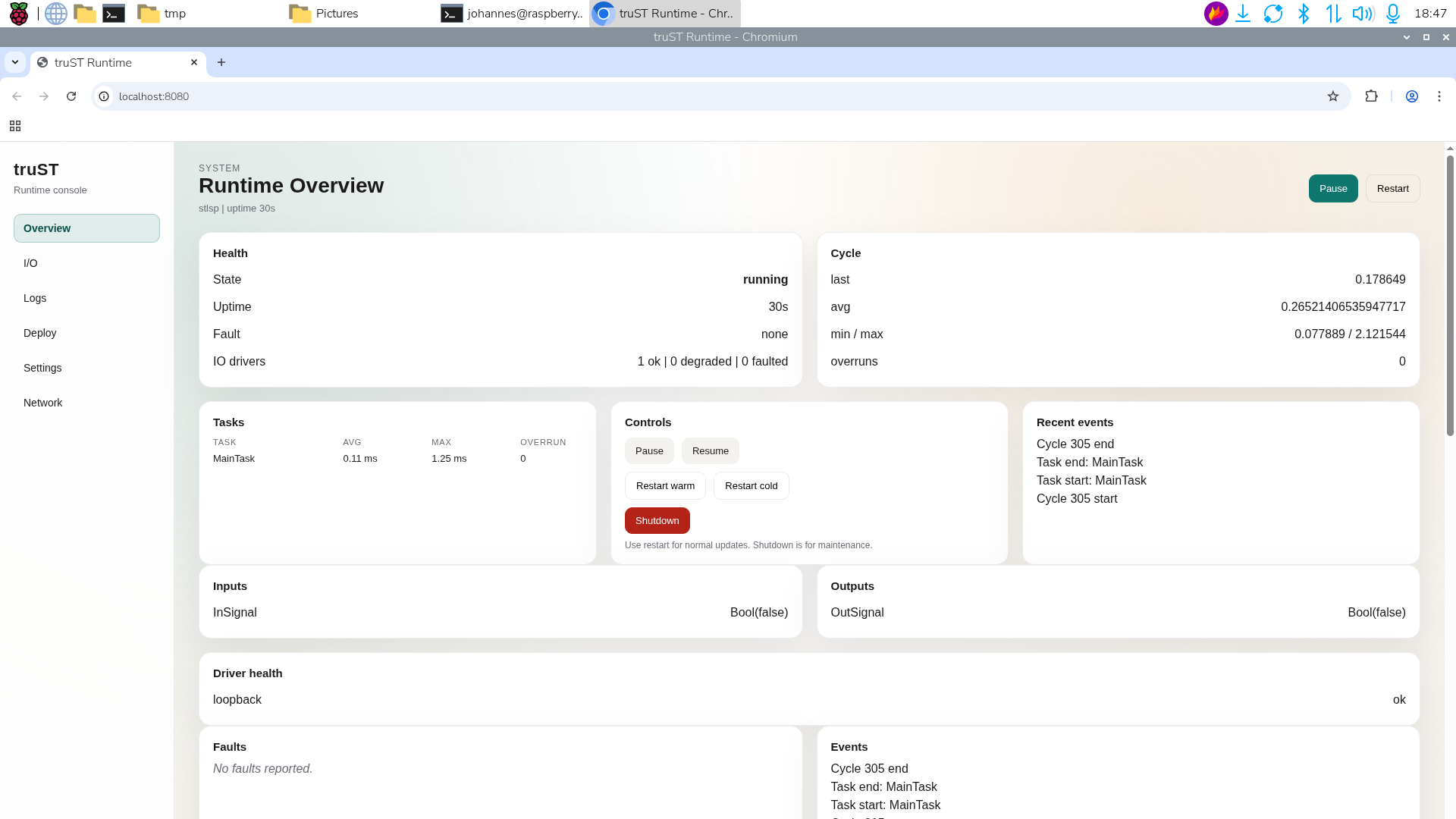
Figure: Compare field evidence with runtime state before deciding whether a fault is physical, mapping-related, or runtime-side.
Safe Generic Sequence
| Step | Action | Do not skip |
|---|---|---|
| 1. Identify the fault | record the alarm, bad signal, or equipment state | exact tag/alarm name and time |
| 2. Make the site safe | follow the local safe-state or lockout procedure | field confirmation |
| 3. Check whether the fault is still present | inspect the equipment, not just the HMI | physical condition |
| 4. Compare runtime evidence | review the HMI, trends, runtime panel, and I/O reads | whether the software view matches the field |
| 5. Recover only by procedure | clear, reset, or restart only when the site procedure says it is safe | recovery authorization |
Important Boundary
This sequence does not replace:
- lockout/tagout
- local electrical/mechanical procedure
- machine-specific fault reset sequences